Cover Letter Pro
The cover letter generator for iPhone and iPad that gets you past the blank page.

- Works on
- iPhone and iPad
- Price
- Free
- Language
- English
- Made by
- UPSCALER LABS LTD
Tell it the job you want and a little about your experience. Cover Letter Pro writes a first draft to match.
It suggests phrases and keywords as you go. Keep the ones you like and drop the rest. Templates cover many fields, from technology and finance to healthcare.
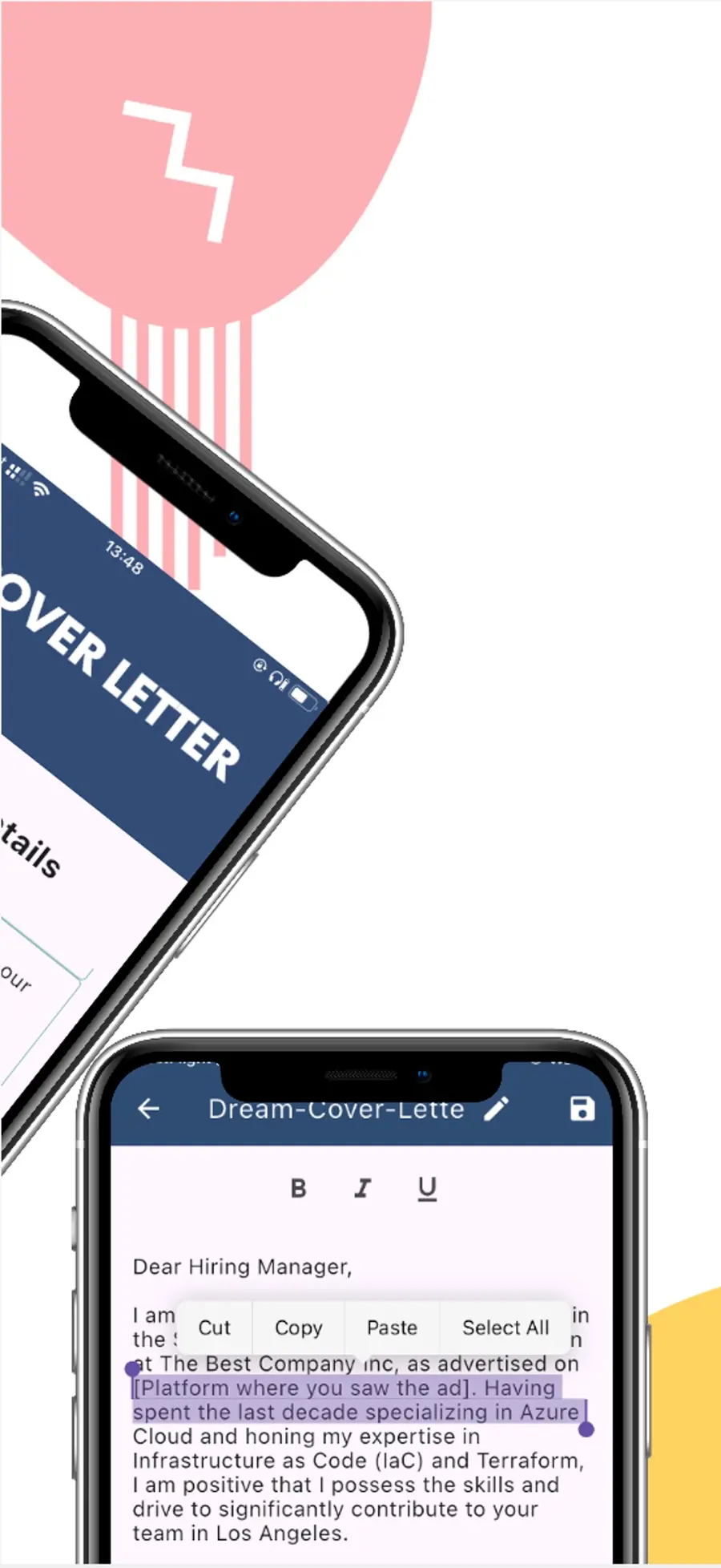
Edit the letter until it sounds like you. Then save it, share it, or export it as a PDF.
From your resume and the job description
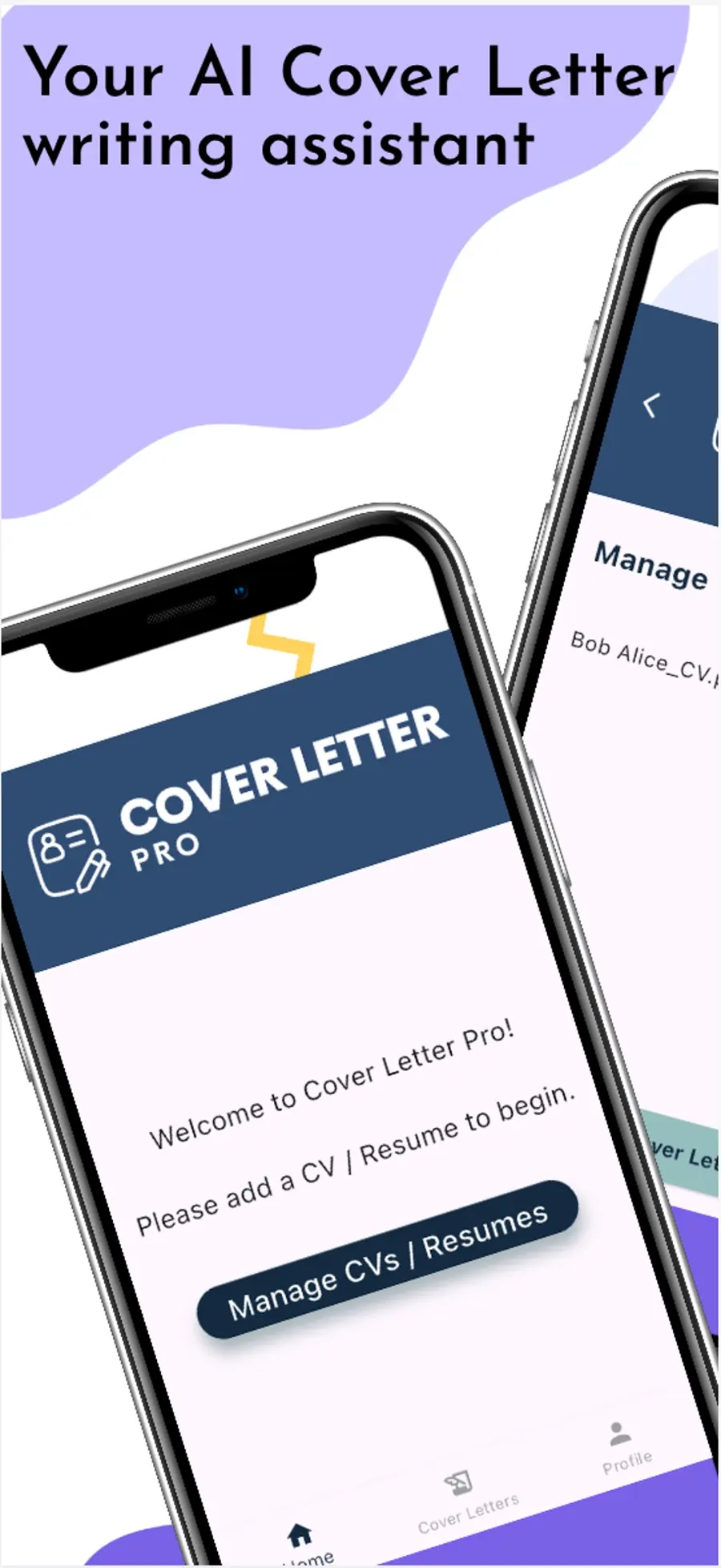
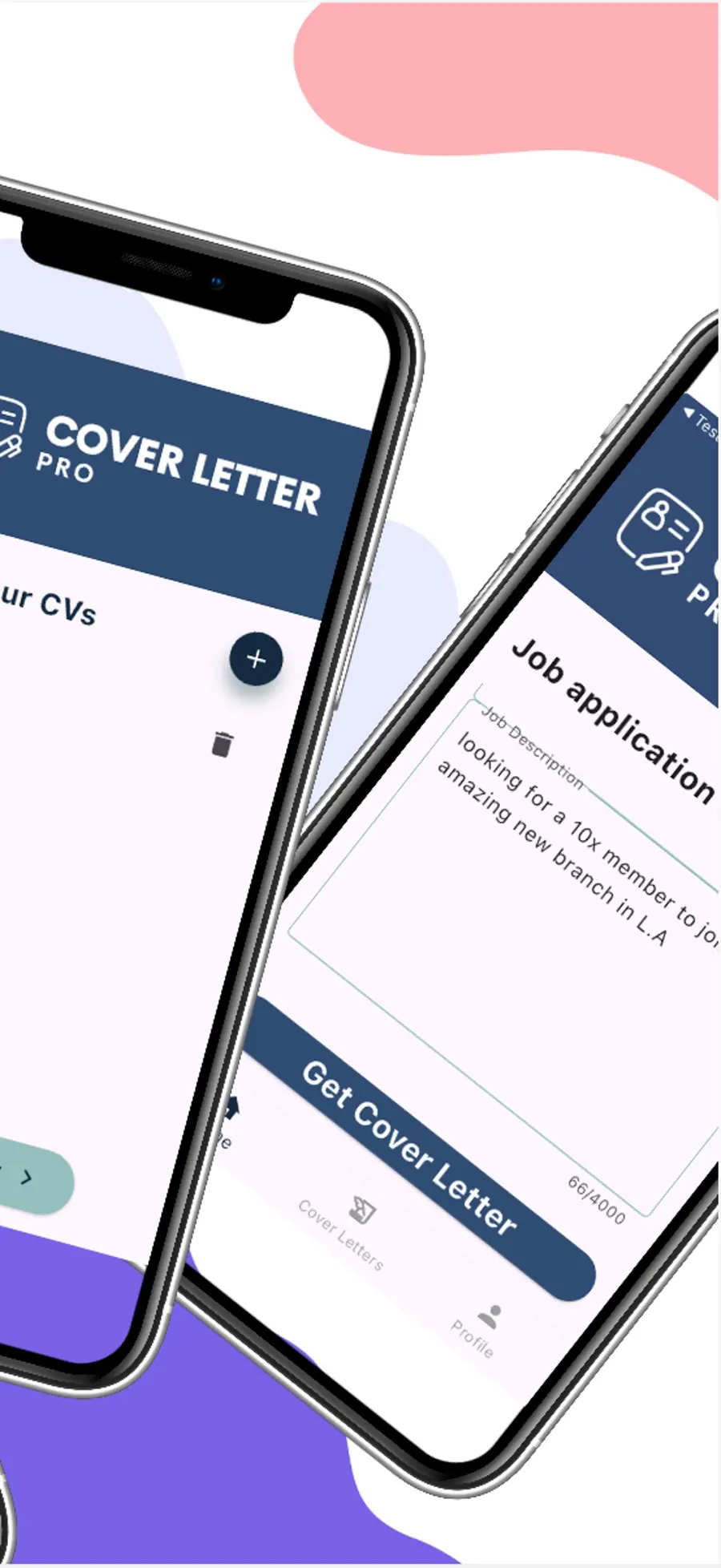
Cover Letter Pro is a cover letter writer for iPhone and iPad. Start by adding your CV or resume, and keep more than one if you like. Then add the job description and tap Get Cover Letter. You get a first draft that matches the job, so you start with something to shape instead of an empty page.
Templates by field
Pick a template that suits your line of work. Templates cover many fields, from technology and finance to healthcare.
Make it sound like you
As you work, the cover letter app suggests phrases and keywords. Keep the ones you like and drop the rest. Then edit the letter until it reads the way you talk.
Save, share, or export as a PDF
When the letter is ready, save it, share it, or export it as a PDF to attach to your application. Your saved letters stay in the app, ready for the next job.
Questions about cover letters
- How do I write a cover letter on my iPhone or iPad?
- Get Cover Letter Pro free from the App Store. Add your CV or resume, enter the job description, and tap Get Cover Letter for a first draft. Edit it, then save it, share it, or export it as a PDF.
- Can I make a cover letter from my resume?
- Yes. Cover Letter Pro starts by asking for your CV or resume, and you can keep more than one. Add the job description, tap Get Cover Letter, and it drafts a letter for that job from your resume.
- Should a cover letter be a PDF or a Word document?
- Send whatever the job posting asks for. If it doesn't say, a PDF is a safe choice, because it looks the same on every device. Cover Letter Pro exports your letter as a PDF.
- How long should a cover letter be?
- One page is plenty. A short opening, a paragraph or two on why you fit the job, and a brief close is all most readers need.
- Do I need a cover letter for every job?
- Not always, but it helps when the posting asks for one or when you want to explain why you fit. With a new draft for each job, you never have to start from scratch.
- Is Cover Letter Pro free?
- Yes. It's free on the App Store for iPhone and iPad.